
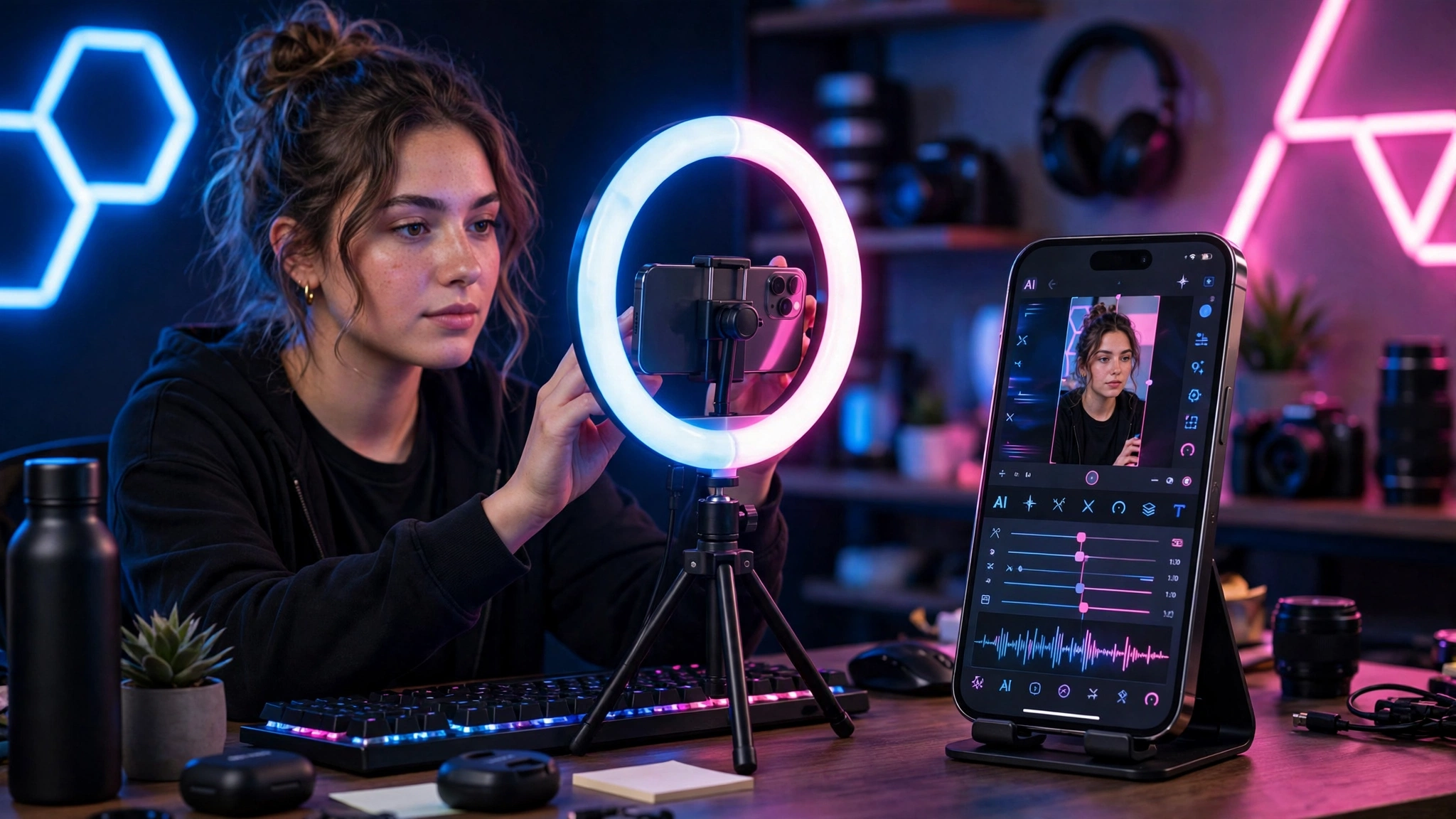
Links in this article go to each tool’s official website. We do not earn a commission from them yet.
YouTube Shorts can grow a channel faster than any other format in 2026. A good Short can reach thousands of new viewers overnight, even on a small channel. But Shorts are a different game from long videos: you have 60 seconds, a vertical screen, and an audience that swipes in one second. AI tools help you win that game by cutting, captioning, and scripting Shorts in minutes. This guide covers the best AI tools for YouTube Shorts in 2026 and a simple workflow you can copy.
HOW SHORTS ARE DIFFERENT
A Short must hook the viewer in the first two seconds, deliver one idea, and end before the viewer gets bored. Long introductions do not work. Neither do small captions or slow edits. The best Shorts tools are built for speed: cut fast, add big captions, and keep the idea simple.
OPUSCLIP: BEST FOR TURNING LONG VIDEOS INTO SHORTS
OpusClip is the fastest way to fill a Shorts feed. It watches your long video, finds the strongest moments, and cuts them into vertical Shorts with captions and hooks. If you already publish long videos, one recording can become five or ten Shorts. Review every clip before you post: the AI finds good moments, but you decide what fits your channel.
CAPCUT: BEST FREE SHORTS EDITOR
CapCut is the free editor most Shorts creators use. Its AI auto-captions, templates, and effects are made for vertical video, and its workflow is fast: import, caption, add music, export. If you are starting with Shorts, start here. It costs nothing and covers the basics well.
DESCRIPT: BEST FOR EDITING SHORTS LIKE A DOCUMENT
Descript lets you edit Shorts by editing the transcript: delete a word and it is gone from the video. It is the best choice when your Short is you talking to the camera and you want to cut pauses and mistakes quickly. Its captions are clean and easy to read on a phone.
VIZARD: BEST FOR FINDING CLIP-WORTHY MOMENTS
Vizard is similar to OpusClip: it turns long videos into Shorts and finds the moments most likely to perform. It is useful if you publish interviews, podcasts, or streams and want many Shorts from one recording.
CHATGPT AND CLAUDE: BEST FOR HOOKS AND SCRIPTS
Shorts live or die by the hook. Use ChatGPT to brainstorm 20 hooks for one idea, then use Claude to write the 40-second script. A good hook makes a promise in one sentence: ‘Stop doing this in your videos’ or ‘The one tool that saves me 5 hours a week.’ Test different hooks and keep the ones that hold viewers.
A SIMPLE SHORTS WORKFLOW
Use this routine for every Short:
- Write the hook and the script with ChatGPT or Claude.
- Record in one take, vertical, with good light.
- Cut pauses and mistakes in Descript or CapCut.
- Add big captions with CapCut.
- Add a thumbnail frame and a clear title.
- Post and check retention after 24 hours.
This routine takes under an hour per Short once you know the tools.
QUICK COMPARISON
- OpusClip: long video to Shorts, best for repurposing.
- CapCut: free editor, best for beginners.
- Descript: transcript editing, best for talking-head Shorts.
- Vizard: finds clip-worthy moments, best for interviews and podcasts.
- ChatGPT and Claude: hooks and scripts, best for ideas.
CONCLUSION
Shorts reward speed and consistency. Pick one clipping tool, one editor, and one writing tool, and publish three Shorts a week for a month. The data will tell you which hooks and topics work. AI tools make the work fast; your ideas make it worth watching.