
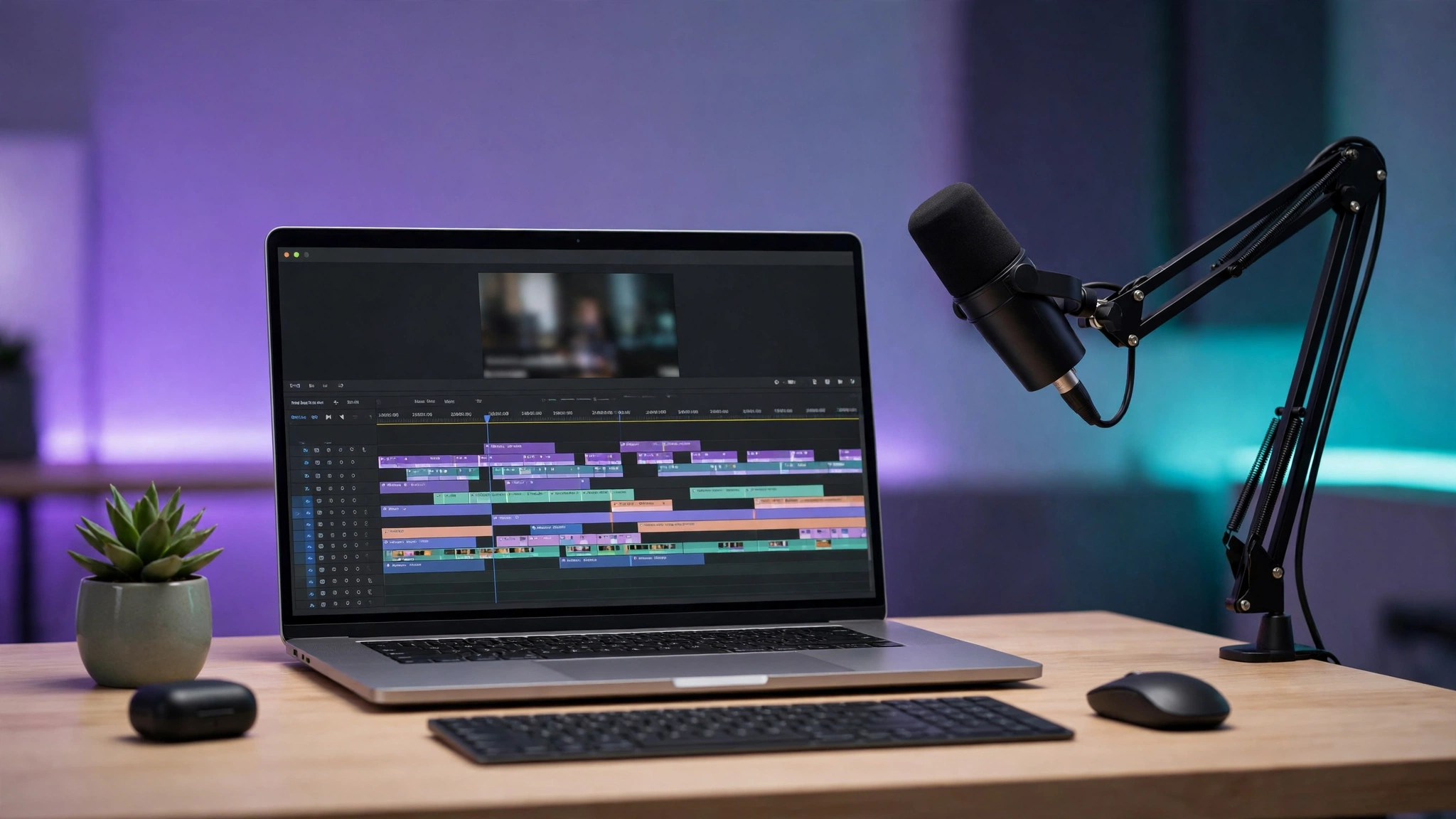
Editing is the slowest part of making YouTube videos. For many creators, a 10-minute video takes hours to cut, caption, and polish. In 2026, AI editing tools can cut that time in half — if you pick the right one for the way you work.
Here is how the most useful AI video editors compare, and how to build a faster workflow with them.
Edit by Transcript with Descript
Descript turns your video into an editable text transcript. Delete a sentence in the transcript and the matching video clip disappears. It also removes filler words like “um” and “uh” in one click, and its Studio Sound feature cleans up noisy audio. This is the fastest option if your videos are talking-head, tutorials, or podcasts, because editing text is much quicker than scrubbing a timeline.
Turn Long Videos into Shorts with OpusClip
OpusClip watches a long video, finds the strongest moments, and cuts them into vertical clips ready for Shorts, TikTok, and Reels. It adds animated captions automatically and scores each clip for its viral potential. It is the best choice when you already record long videos and want short-form content without re-editing everything by hand.
Quick Mobile Edits with CapCut
CapCut is the free, beginner-friendly editor many YouTubers use for fast edits on a phone or computer. Its AI features include auto-captions, background removal, and one-click templates. It is less powerful than a desktop editor, but for simple vlogs, Shorts, and reaction videos it is often the fastest tool in the list.
Pro Control with Adobe Premiere Pro
Adobe Premiere Pro is the professional standard, and its AI tools now handle the boring parts: Speech to Text creates captions automatically, Auto Reframe adjusts your video for vertical screens, and Firefly-powered Generative Extend fills small gaps in a clip. Choose Premiere Pro when you want full control and you are willing to learn a more complex tool.
Creative Effects with Runway
Runway is built for creators who want AI-generated visuals: text-to-video clips, background replacement, and object removal. It is not a full editor, so use it alongside another tool when you need a shot you could not film yourself.
Which Tool Should You Start With?
If you record talking-head videos, start with Descript and use OpusClip to turn each video into Shorts. If you edit on your phone, CapCut covers most of what you need for free. If you want professional results and plan to edit every day, invest the time to learn Premiere Pro, and keep Runway in your toolkit for special effects.
A Faster Editing Workflow
A simple workflow that works for most YouTubers looks like this: record once, edit the transcript in Descript, export the finished video, then send the same recording to OpusClip for Shorts. Add captions everywhere, because most viewers watch with the sound off at first. Finally, save your best settings as a preset or template so the next video starts halfway done.
Pricing changes often, so check each tool’s official website for its current plans before you decide.
AI will not make your videos good on its own, but it removes the repetitive work that eats your week. Pick one tool from this list, learn it properly, and spend the hours you save on better ideas and better recordings.
Links in this article go to each tool’s official website. We do not earn a commission from them yet.